|
recaplica
Binary Code: What It Is and How Computers Write Numbers |
| © 2026 Recaplica · recaplica.com — All rights reserved |
Binary Code: What It Is and How Computers Write NumbersWhat to print Page numbers appear when printing with default margins. SlidesChoose a cut Flash10 slidesThe essential thread, to present in classFull16 slidesEvery chapter and the deeper detailBoth come with speaker notes. In 30 seconds quick readBinary code is how a computer represents numbers using only two digits, 0 and 1. The reason is physical: a computer's circuits reliably tell apart only two electrical states, current off or current on, and we label them 0 and 1 for convenience. Just like the decimal system, each digit's value depends on its position, but here positions are worth powers of two instead of powers of ten: the number 101 works out to (1×4)+(0×2)+(1×1), which is 5. Eight of these digits together form a byte, the unit a computer typically uses to hold one number. Binary alone covers numbers; writing letters needs an extra convention, such as ASCII or Unicode, covered in their own Recaps. Key Points
Key figures
Deep DiveWhy a computer only speaks zero and oneInside, a computer is built from electronic circuits that can only sit in two conditions: current off or current on. According to Harvard’s CS50, computers “speak” only in terms of zeros and ones, where zero stands for off and one for on. Hunter College’s (CUNY) computer science notes make the same point: nearly all modern computers are digital, meaning they recognize only two distinct electronic states, which we conveniently label 0 and 1, or false and true. So it isn’t a code chosen for elegance — it’s the direct consequence of how the electronics work. A string of 0s and 1s is called a binary numeral, or simply a binary number; each single digit in that string is a bit. The binary system in computing: what position is worthIn the decimal system we use every day, each digit’s value depends on the position it sits in: in the number 253, the 2 is worth two hundred, not two, because it sits in the hundreds place. The binary system works the same way, with one difference: positions are worth powers of two instead of powers of ten. To read a binary number, multiply each digit by the power of two of its position, starting from the right with 2⁰. The number 101, for instance, reads as (1×2²) + (0×2¹) + (1×2⁰), which is 4 + 0 + 1: the result is 5. The exact same example turns up in both CS50’s notes and Hunter College’s lecture notes, which use it to introduce the concept to students.
Anyone curious how the same logic holds up over longer chains of steps can take a look at what an algorithm is: converting between number bases is, at its core, also a sequence of steps repeated the same way. Converting a decimal number to binaryGoing the other direction, from a decimal number to its binary equivalent, Hunter College’s notes describe a method based on repeated division by two: divide the number by 2, note the remainder, divide the result by 2 again, and so on until reaching 0. The remainders, read from bottom to top, form the binary number. Applied to the number 1000, the method produces a string of remainders that, read in order, gives 1111101000. The same document also offers an alternative method, by subtracting the nearest powers of two from the starting number: both procedures land on the same result, because they describe the same math from two different directions. Byte: when eight bits work togetherA single bit can only represent two values, 0 or 1 — too little for almost any practical use. Computers, CS50 explains, generally use eight bits together, a byte, to represent a number. The NIST Computer Security Resource Center, the United States’ standards body, defines a byte across several technical documents as a sequence of eight bits, and also describes it as an integer within the range 0 to 255. That range isn’t arbitrary: with eight digits, each of which can be 0 or 1, the possible combinations number 256, from 00000000 to 11111111, which is the whole numbers from 0 to 255. The digit string 11111111, to use an example cited in CS50’s own notes, corresponds to the number 255. An idea older than computersThe binary number system didn’t start with electronics. According to MacTutor, the history of mathematics archive maintained by the University of St Andrews, the mathematician and philosopher Gottfried Wilhelm Leibniz refined his own two-digit number system by 1679, but didn’t publish it until 1701, when he sent the Paris Academy the text Essay d’une nouvelle science des nombres. Leibniz worked with pen and paper, with no machine around that needed electrical states: for him binary was a mathematical curiosity. It would become the internal language of computers only centuries later, once electronics offered a physical way to represent those same two digits. From number to letter: why ASCII and Unicode are needed tooEverything covered so far concerns numbers. A computer also has to handle letters, punctuation marks and symbols, and here binary alone falls short: a convention is needed to fix which number stands for which character. That’s why, as CS50 notes, the ASCII standard came about, assigning a specific number to every letter of the basic Latin alphabet; later, Unicode extended the same idea to many other alphabets. Both conventions deserve a Recap of their own, and both rely on the binary code just described to write the numbers that stand for each character. Anyone new to these topics can step back and trace the history of computers, or look ahead at how a language like JavaScript or PHP turns the instructions we write into this same string of 0s and 1s that a processor can execute. Slide deckSlides ready to download and make your own in PowerPoint or Google Slides, with speaker notes. Pick the Flash cut or the Full one.     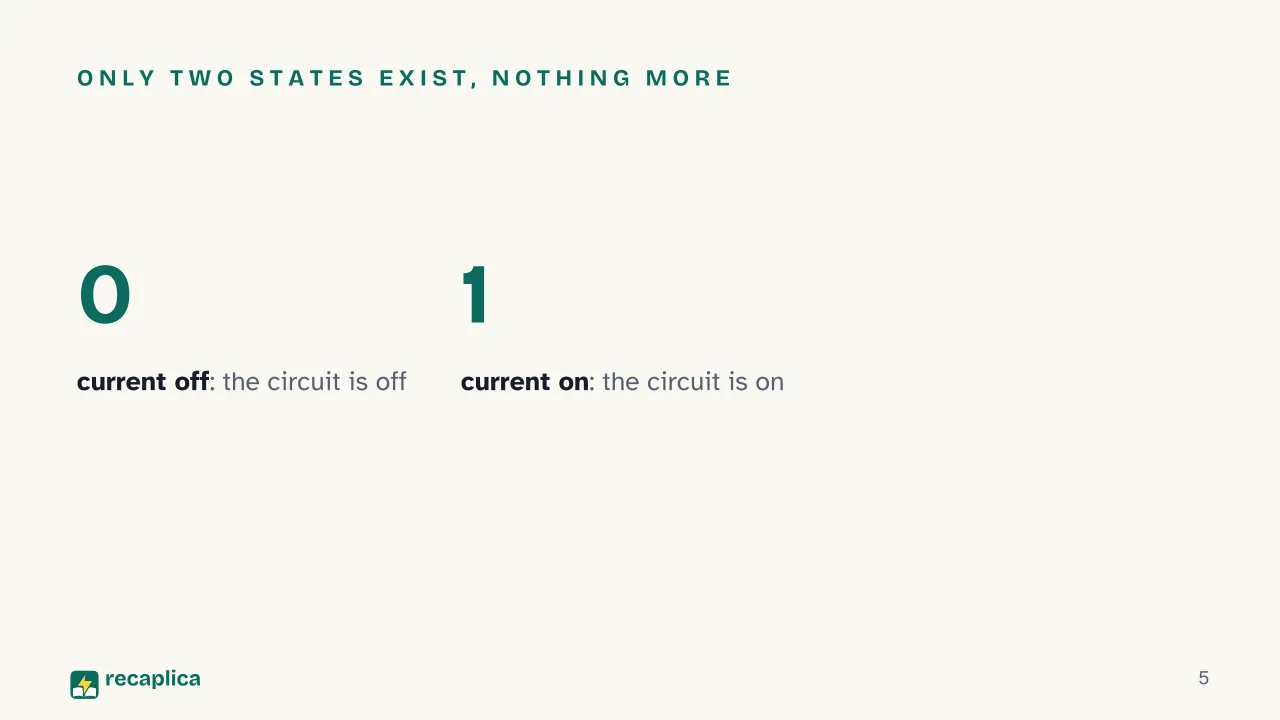 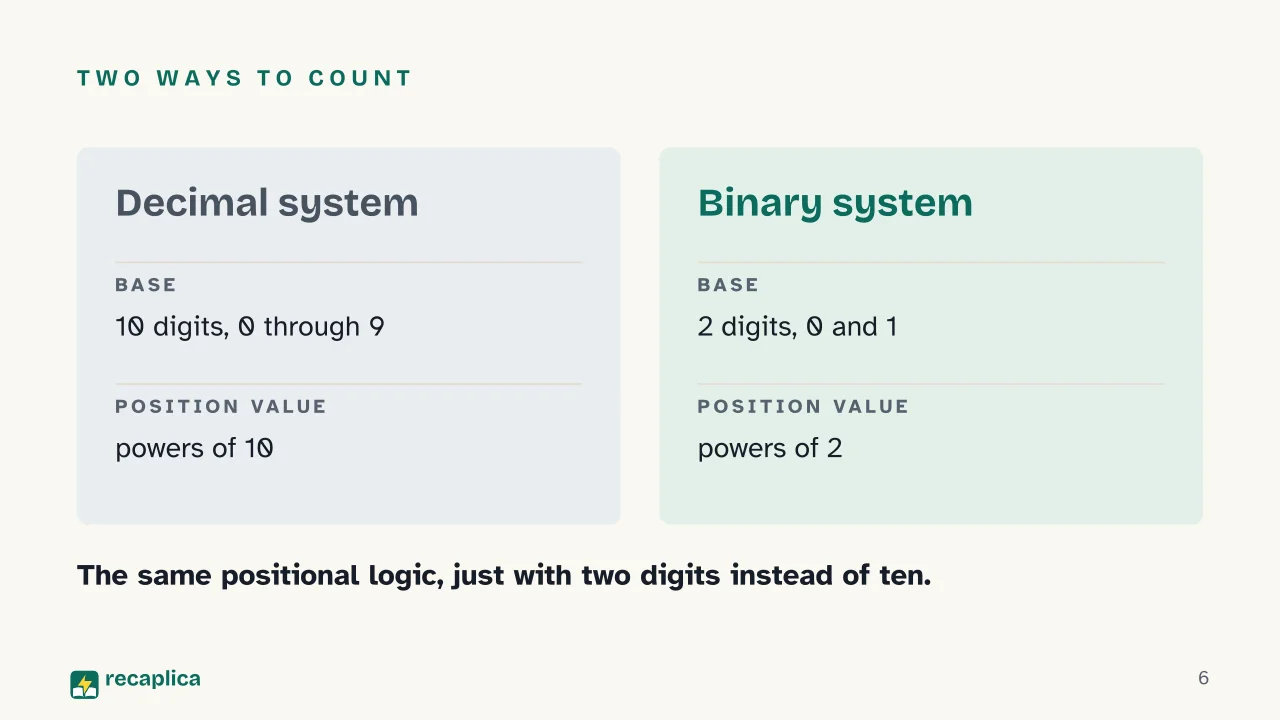  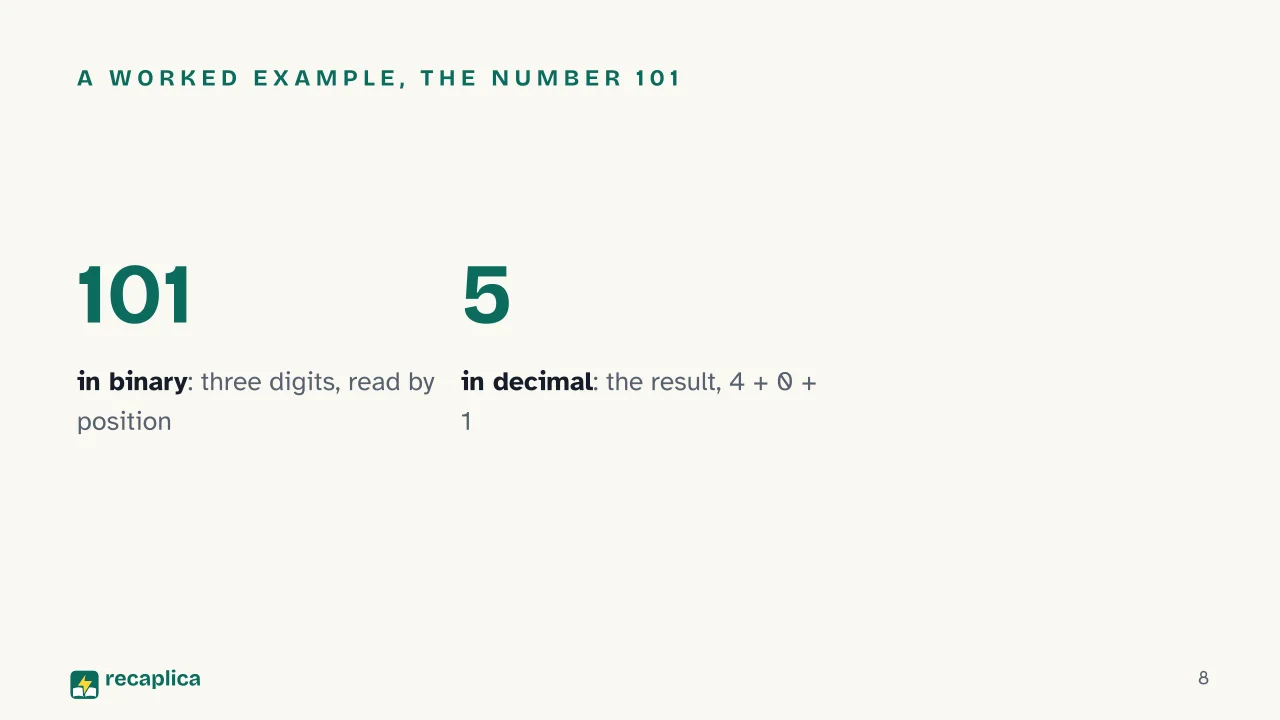  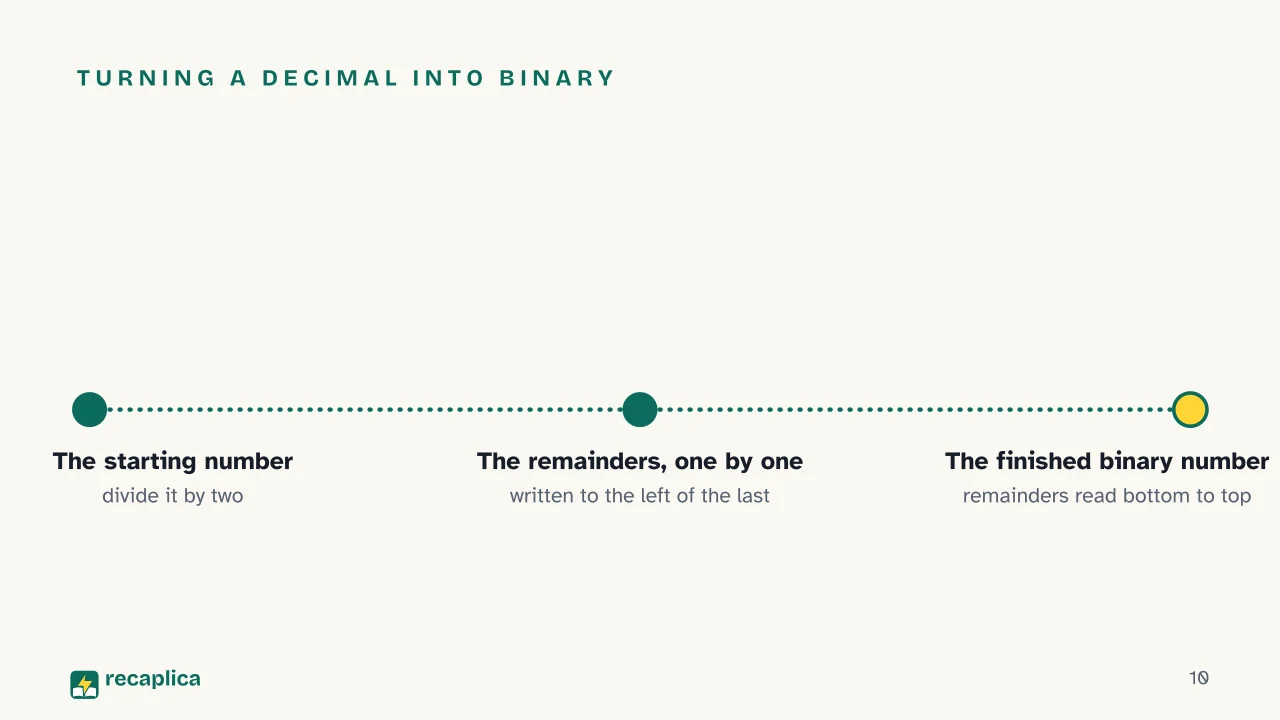 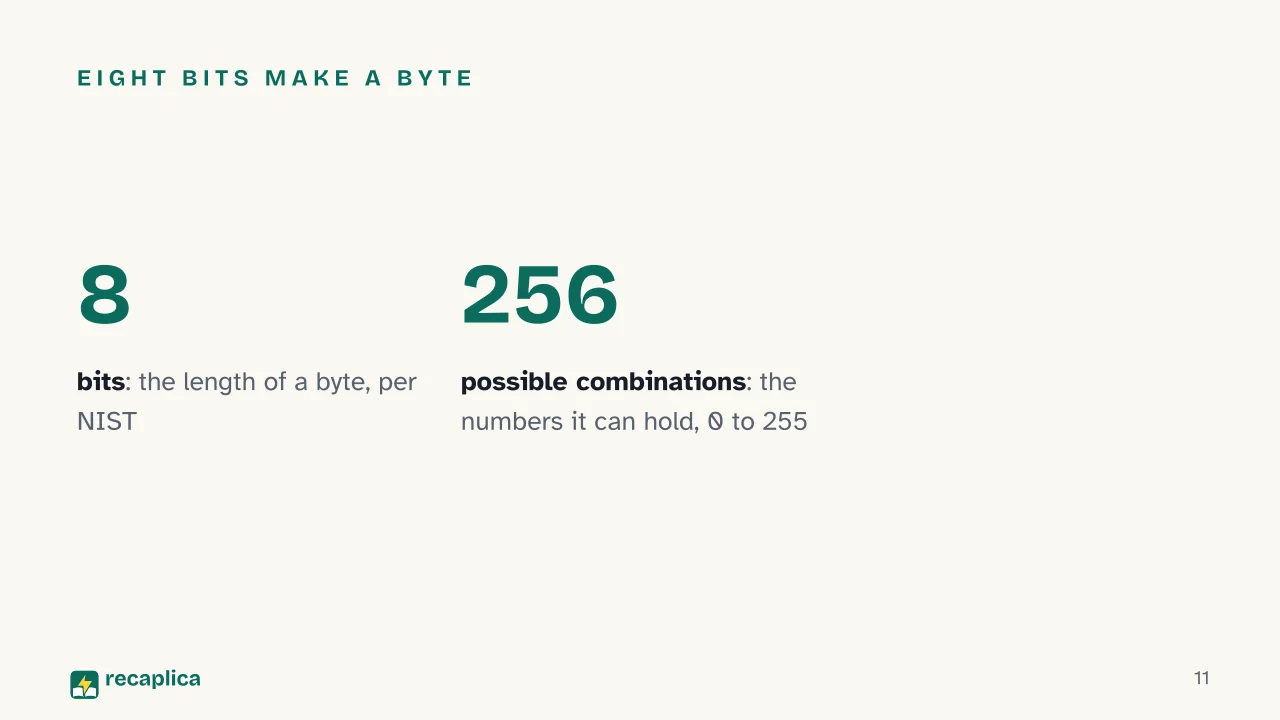  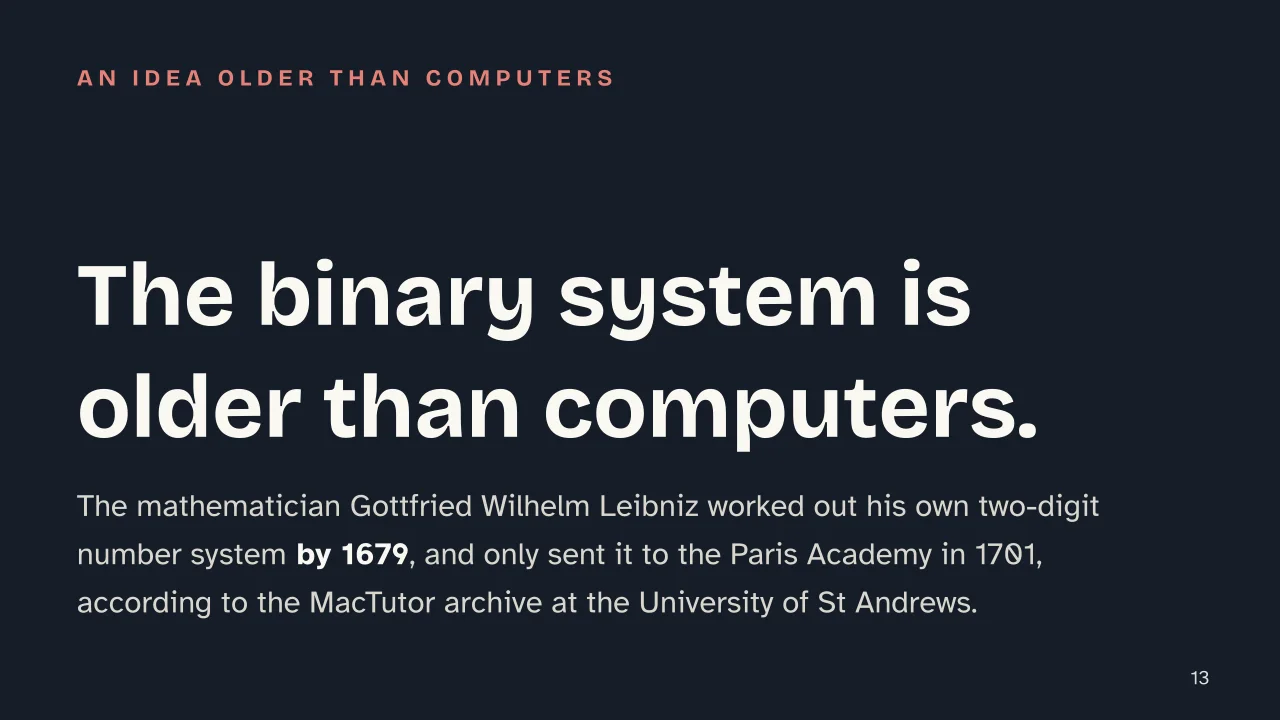  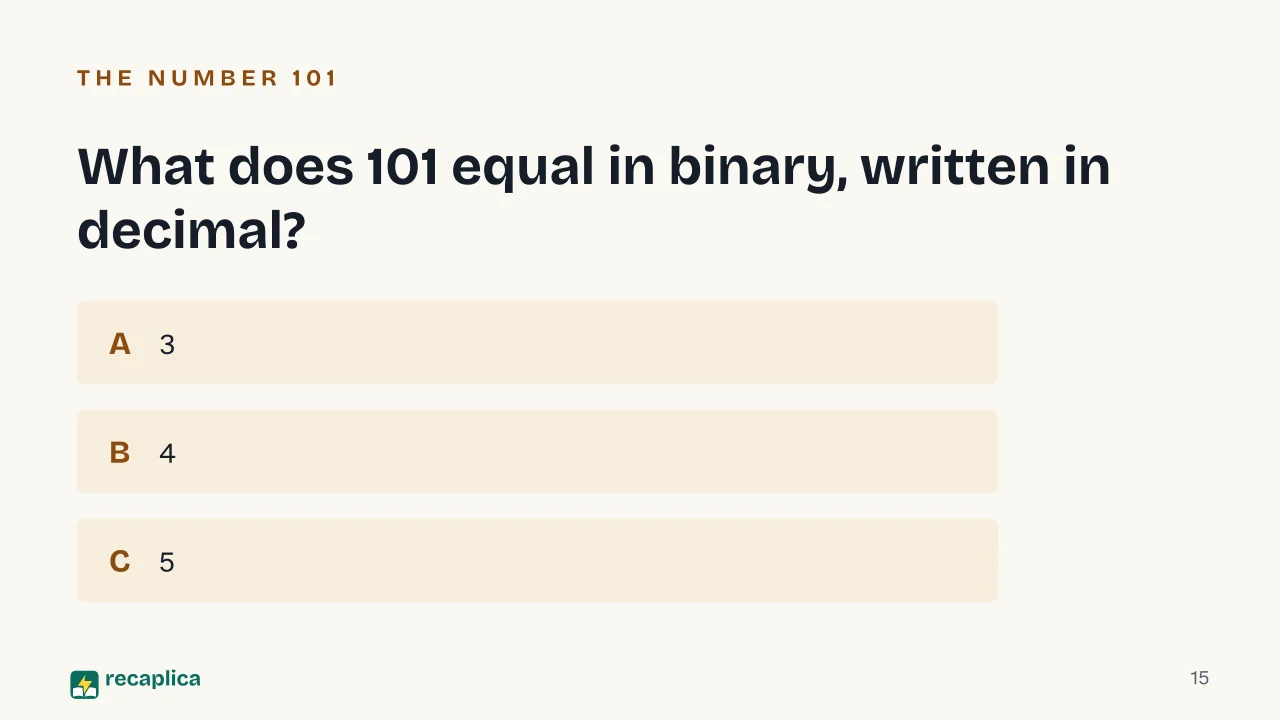  Common myths
Mind mapDrag the background to move around and the nodes to reposition them; use − and + to collapse and expand branches. 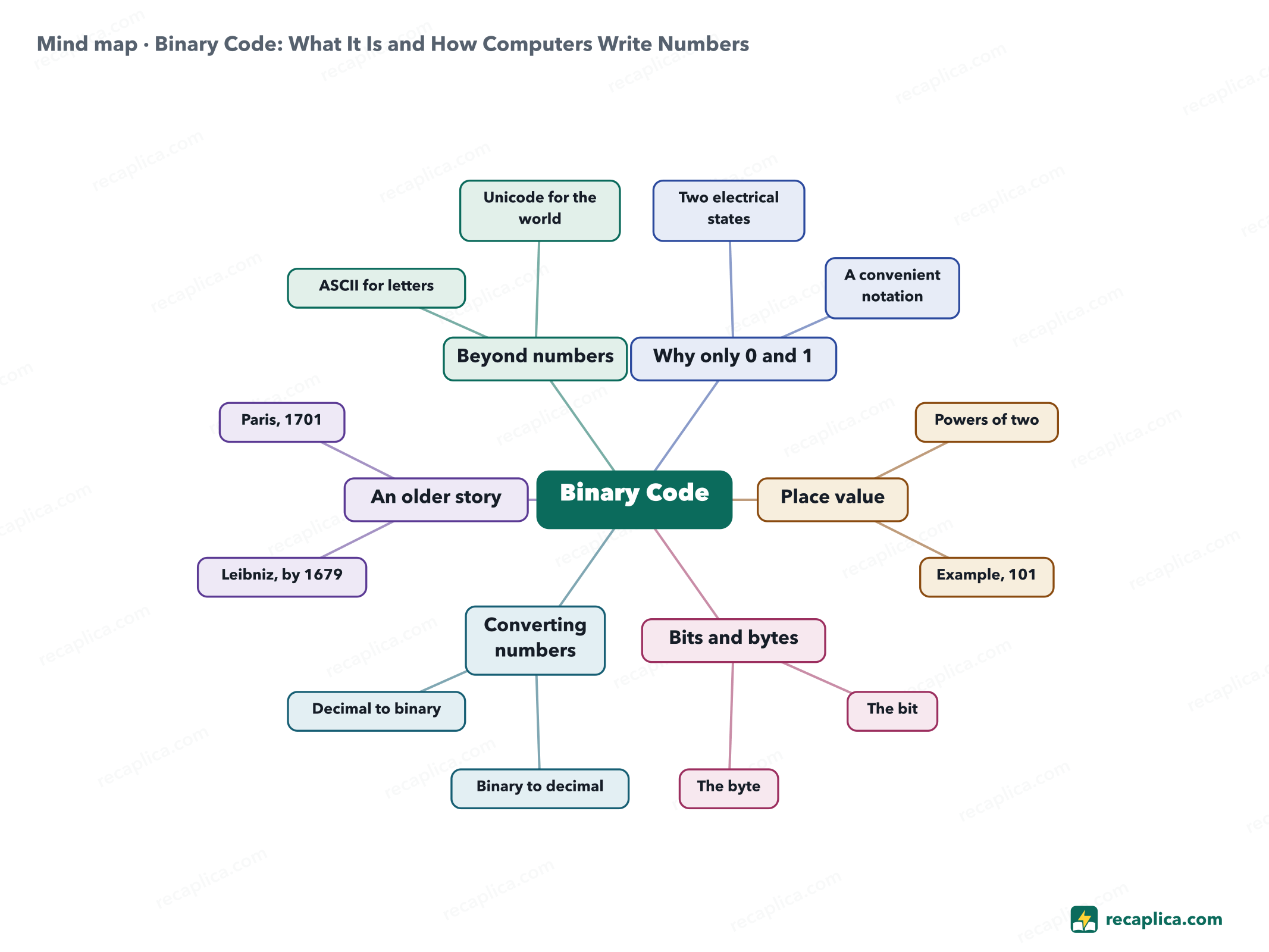
Quiz: test yourselfAnswer the questions to check what you have learned: you get instant feedback and a short explanation. Grade 0/10 0/5
FlashcardsTap the card to flip it and check whether you remember the answer, then move to the next one. 1 / 7 Explain it in your own wordsThe ultimate test: if you can explain it in simple words, you've truly understood it. Write your explanation, then compare it with the Recap. Your explanation is saved only on this device.
Frequently asked questionsWhat is binary code, in short (summary)?It's how a computer represents numbers using just two digits, 0 and 1, because its circuits recognize only two electrical states, current off or current on. Each binary digit is called a bit, and its value depends on its position, the same way the decimal system works but with powers of two. What does 'binary system' mean in computer science?In computer science, the binary system is the base-two number system computers use internally to represent numbers: it uses only the digits 0 and 1, where each position is worth a power of two instead of a power of ten. What's the difference between a bit and a byte?A bit is a single binary digit, 0 or 1. A byte is a group of eight bits together (NIST's definition), the unit a computer typically uses to hold one number: eight digits of 0 or 1 add up to 256 possible combinations. Does this Recap include a diagram or concept map?Yes: at the bottom of the page there's a concept map that summarizes the steps, from why binary exists to converting numbers — handy for reviewing before a computer science test. Does binary code also work for writing letters of the alphabet?Not on its own: it only represents numbers. Letters need an added convention that assigns a number to each character, as ASCII and Unicode do, each covered in its own Recap. Every Recap goes through an independent review before publication. |