|
recaplica
Windows vs macOS vs Linux: Differences, Pros and Cons Compared | ||||||||||||||||||||||||||||
| © 2026 Recaplica · recaplica.com — All rights reserved | ||||||||||||||||||||||||||||
Windows vs macOS vs Linux: Differences, Pros and Cons ComparedWhat to print Page numbers appear when printing with default margins. SlidesChoose a cut Flash10 slidesThe essential thread, to present in classFull18 slidesEvery chapter and the deeper detailBoth come with speaker notes. In 30 seconds quick readWindows, macOS and Linux are not just three different interfaces: they change how a computer is paid for, updated and customized. Windows runs on hardware from any manufacturer and requires a paid license; macOS is tied exclusively to Apple's own Mac computers; Linux is free, open source and powers most of the world's web servers while remaining a niche player on personal desktops. None of the three is objectively the best: the right choice depends on the use case, whether that's office work, software development, gaming or running a server. Key Points
Key figures
Deep DiveLicense, price and philosophyThe most concrete difference between the three systems, the one you feel before even turning the computer on, is how you pay for it. Windows follows a one-time commercial license model per device: at Microsoft Store list price, the Home edition costs $139 and Pro $199.99, with an upgrade from Home to Pro priced at $99.99 (US market prices checked on September 6, 2026). In everyday practice many users never pay this amount directly, because the PC manufacturer already bundles it into the price of the machine, but the license remains a product separate from the operating system itself. macOS has no standalone price: it’s included in the purchase of a Mac and is never sold as an independent product, because Apple distributes it exclusively for its own hardware. Linux, by contrast, is free to download, use and redistribute: the kernel is covered by the GNU GPL version 2 license (GPL-2.0 only), which guarantees four basic freedoms — running the program, studying its code, sharing it and modifying it — plus the right to redistribute it and even sell it, as long as recipients can rebuild the binaries from the source code. Distributions like Ubuntu stay free even for everyday use; you only pay if you choose extended enterprise-grade support, such as an Ubuntu Pro subscription.
Compatible hardwareWindows runs on a very wide range of computers from different brands, from budget laptops to workstations, as long as they meet precise minimum requirements: Windows 11 needs a 64-bit processor with at least 2 cores at 1 GHz or faster, 4 GB of RAM, 64 GB of storage, UEFI firmware with Secure Boot, and a TPM (Trusted Platform Module) 2.0 chip — that last requirement, in particular, locked many older PCs out of the free upgrade. For the more advanced AI features reserved for so-called “Copilot+ PCs,” it also takes an NPU rated at 40 TOPS or higher, 16 GB of DDR5/LPDDR5 RAM and 256 GB of SSD or UFS storage. macOS follows the opposite philosophy: it officially runs only on Mac computers. Apple began transitioning from Intel processors to its own Apple Silicon (ARM architecture) chips in 2020, and since 2023 every new Mac sold ships with these chips (M1, M2, M3, M4); macOS Tahoe (macOS 26, released September 15, 2025) is listed by Apple as the last major version to still support Intel Macs. For compatibility with older apps, macOS includes Rosetta, a translation layer that lets programs compiled for Intel run on Macs with Apple Silicon chips.
Linux, like Windows, isn’t tied to a single manufacturer: it runs on x86-64-compatible PCs of any brand, plus a vastly wider range of devices, from small single-board computers to servers. It’s the same principle of hardware openness that has run through much of the history of computers: the more a system is decoupled from a single manufacturer, the wider the variety of machines it can run on. Security and updatesEach of the three systems approaches security differently, and none of the three approaches eliminates every risk on its own. Windows 11 leans on a sturdier hardware baseline, requiring Secure Boot and TPM 2.0 from the moment of installation; some protection features, like BitLocker to Go, are reserved for the Pro edition and above and are missing from Home. macOS benefits from a much more uniform pool of hardware, entirely controlled by Apple, but that doesn’t make it immune to malware or phishing by definition. Linux, thanks to its open source code under the GPL license, lets anyone examine it and fix flaws; LTS distributions like Ubuntu add a predictable security maintenance cycle on top of that: 5 years of free updates for every LTS release, published every two years, extendable up to 10 years (15 with the Legacy add-on) through an Ubuntu Pro subscription, free for up to 5 machines for personal use. The release rhythm also reflects a different philosophy: besides LTS releases, Ubuntu ships an “interim” version every six months, each with 9 months of updates — a pace built for people who want to try new features often, while those who prefer stability stick with LTS. Developers, whatever system they work in, often reach for tools built specifically to look under the hood, like the developer options found on mobile operating systems too. Available software and use casesOn the adoption front, the numbers tell very different stories depending on the arena. On the desktop, worldwide, Windows remains the most widely used system with 56.55% share according to StatCounter Global Stats as of June 2026 (a tracked web-traffic figure, not a direct count of installations, but still the first reading in years to put Windows below 60%); macOS and OS X combined sit around 16.37%, Linux at 4.39%. Among Steam gamers the gap is even wider: Windows at 93.47% in April 2026, Linux at 4.52% (after briefly touching nearly 5% the month before, partly driven by the end of support for Windows 10 pushing some users toward Linux-based options like SteamOS), macOS at 2.01%. On web servers, the picture flips almost completely: according to W3Techs, as of September 6, 2026, Linux runs 62.2% of websites with an identifiable operating system, and the combined Unix and Unix-like family covers over 90% of recognizable web servers, against roughly 8% for Windows Server. The operating system on your own desktop is often the exact opposite of the one running the sites you visit every day. For anyone whose only concern is keeping their own computer tidy, regardless of the system chosen, clearing out leftover space and files remains basic maintenance, as covered for PCs and Macs.
There’s no operating system that’s objectively best in every case: people after the widest range of consumer software and the broadest compatibility with peripherals tend to stick with Windows; people working within the Apple ecosystem, or who prefer hardware and software designed together by the same company, choose macOS; people running servers, developing software or wanting to customize every detail of their system, often without spending anything on licenses, gravitate toward a Linux distribution. These are three different philosophies more than three simply interchangeable alternatives. Slide deckSlides ready to download and make your own in PowerPoint or Google Slides, with speaker notes. Pick the Flash cut or the Full one.     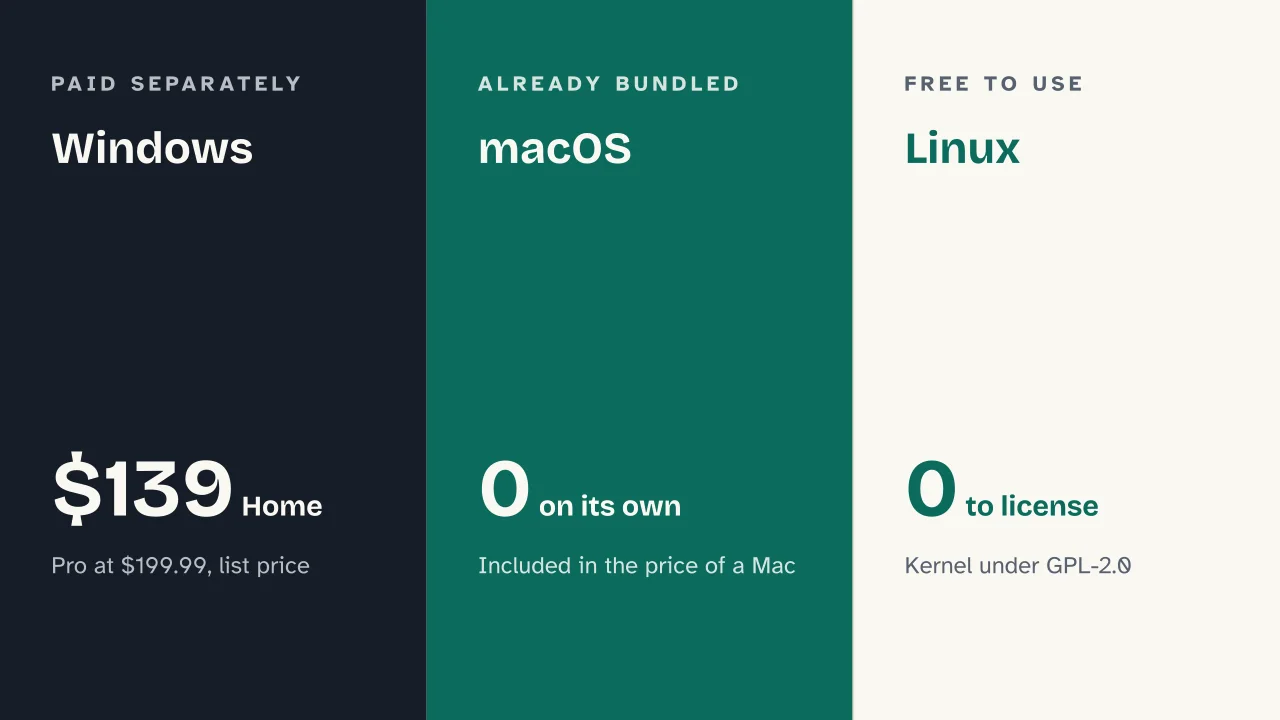 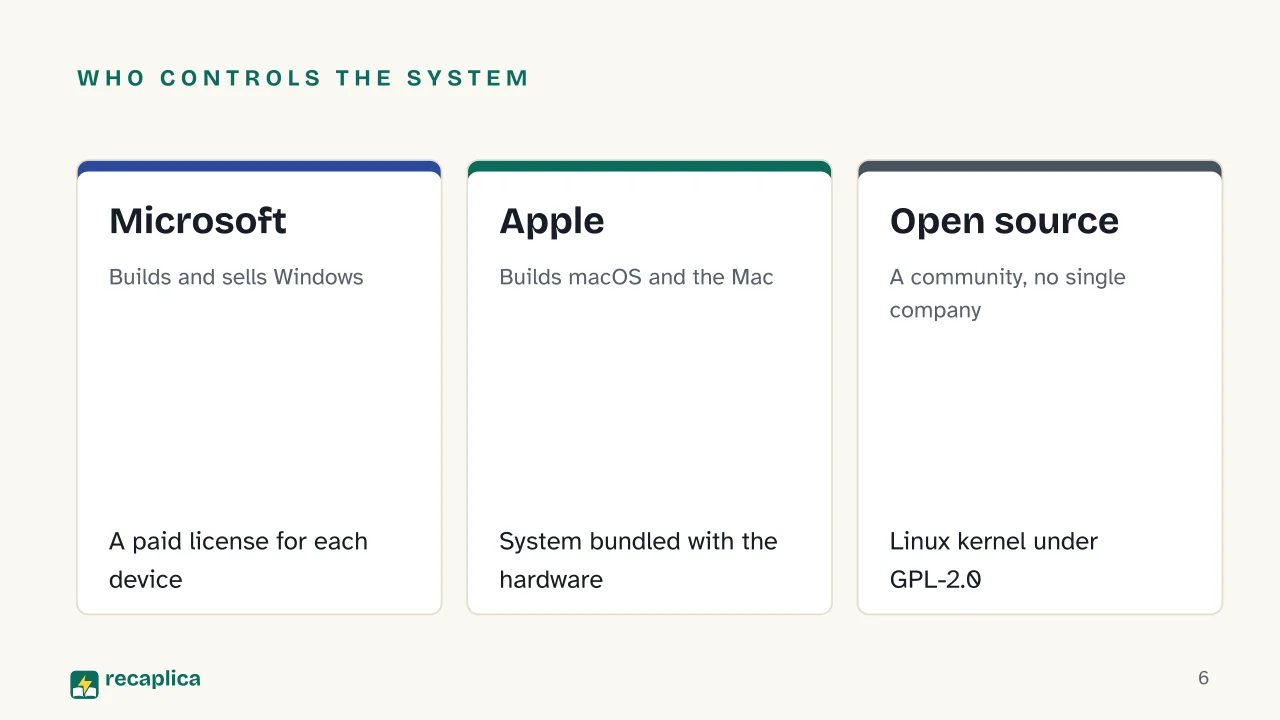  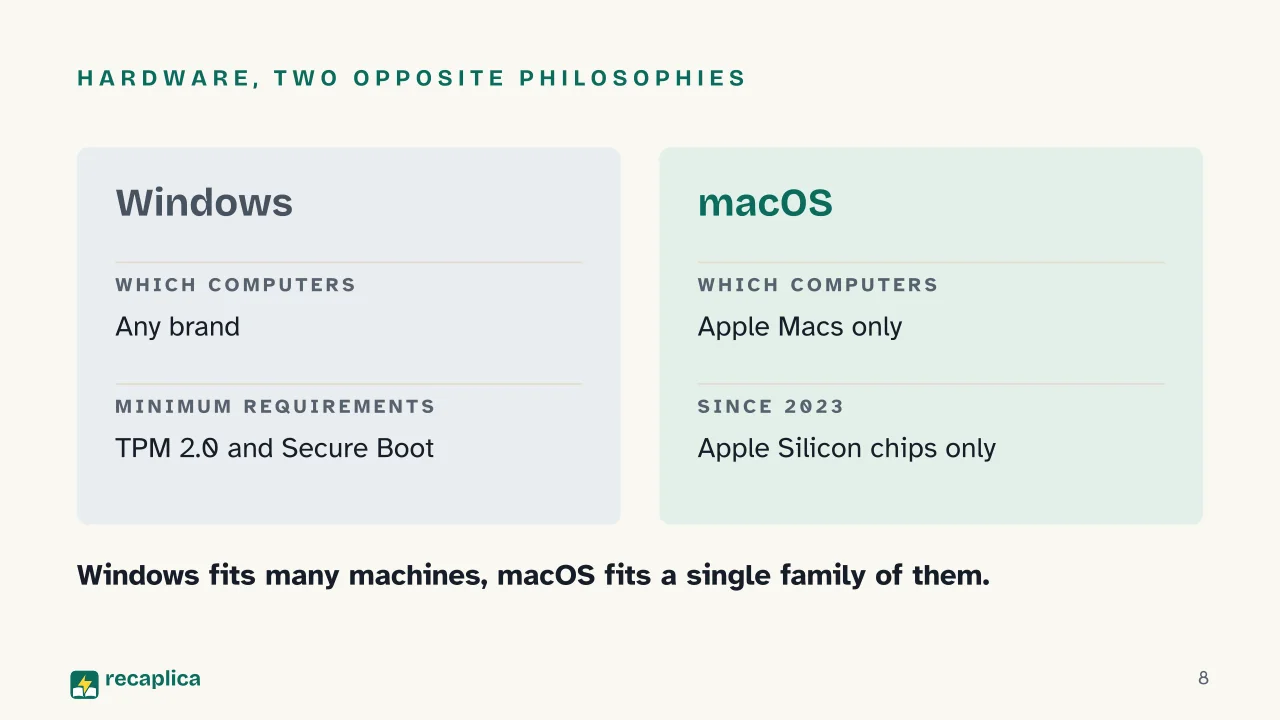 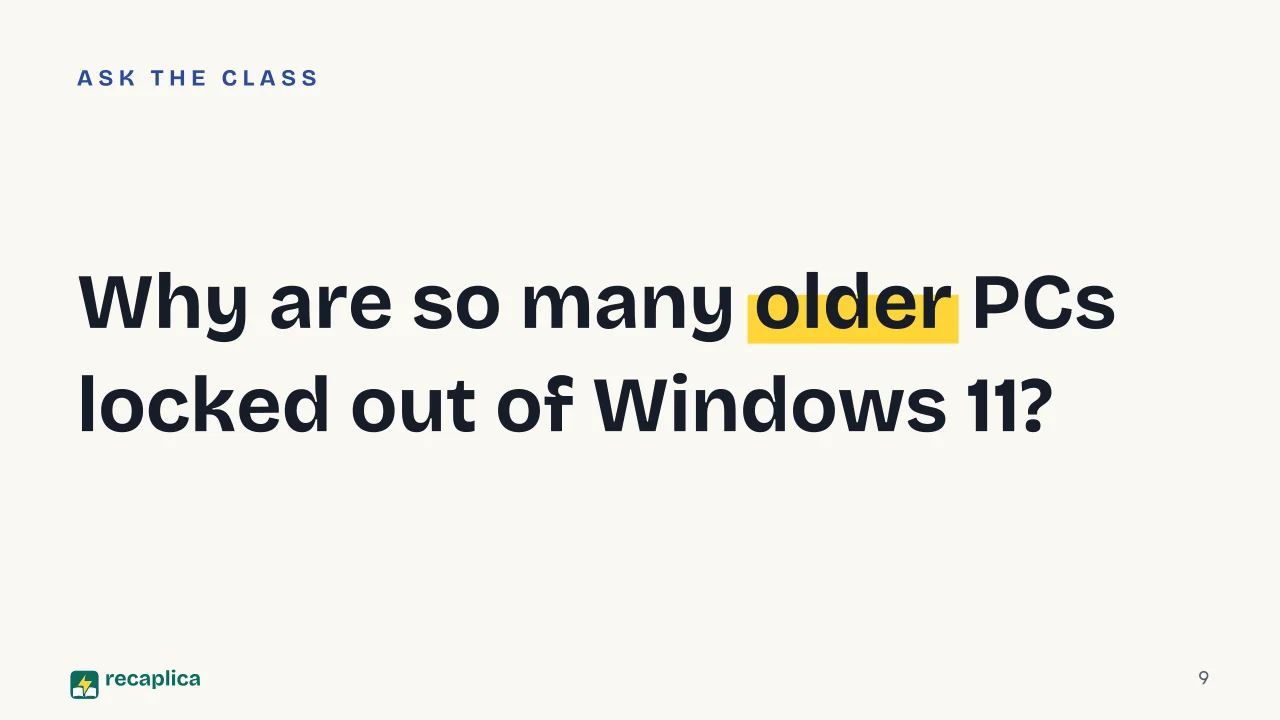  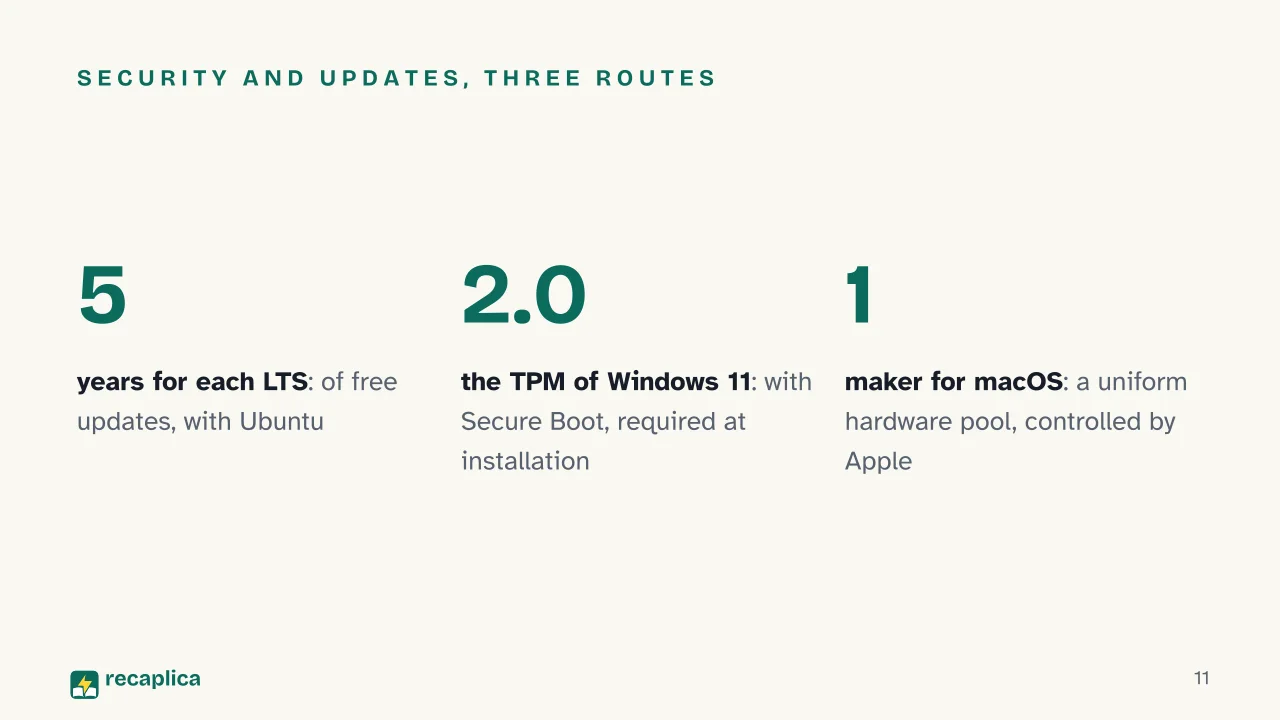 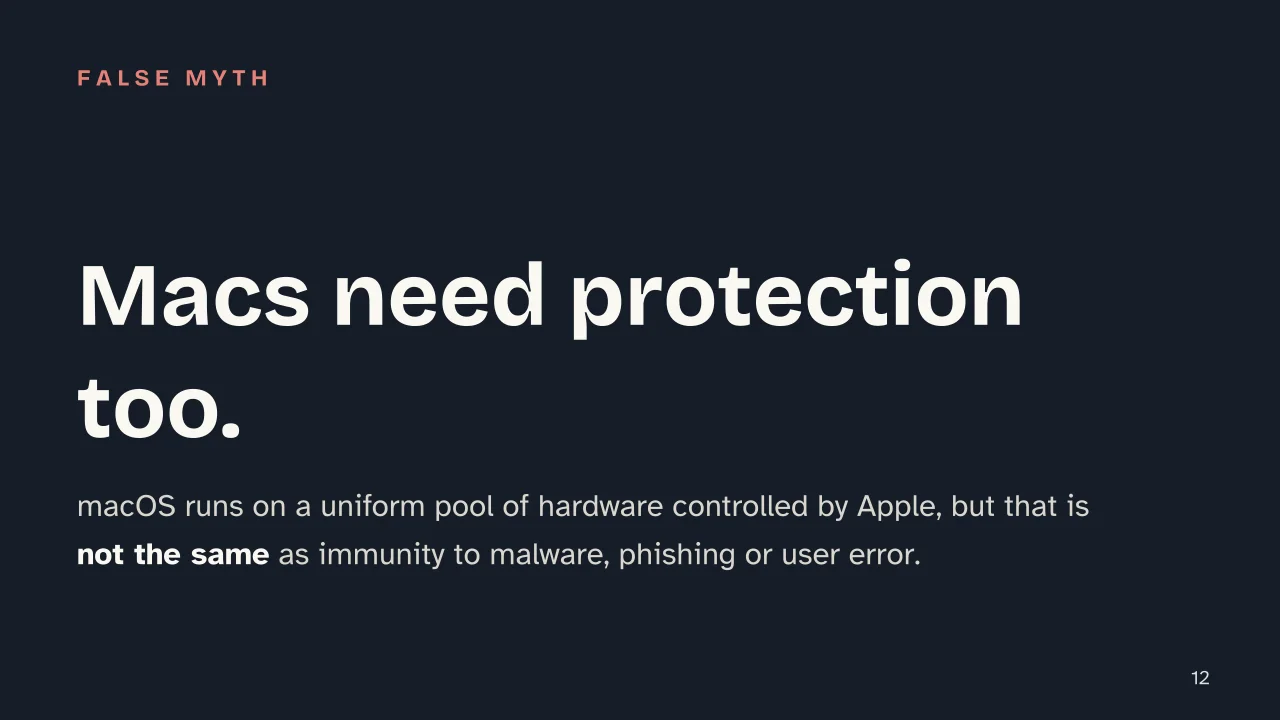  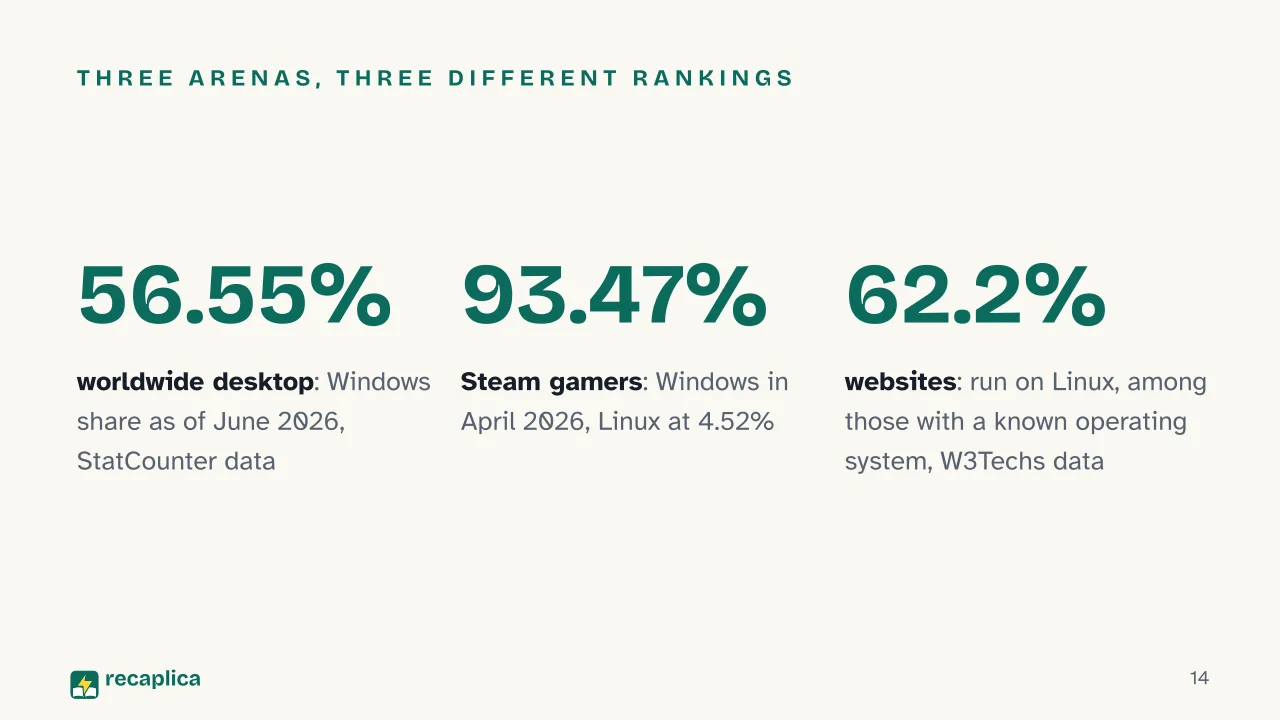 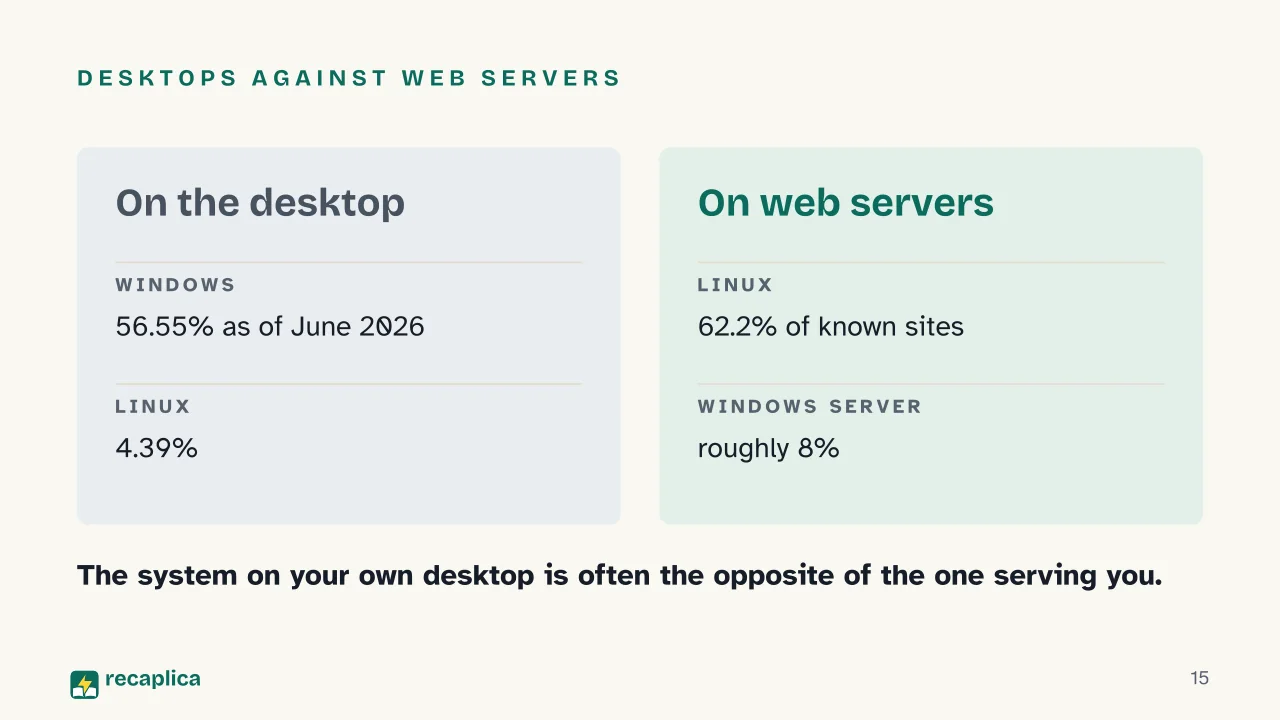 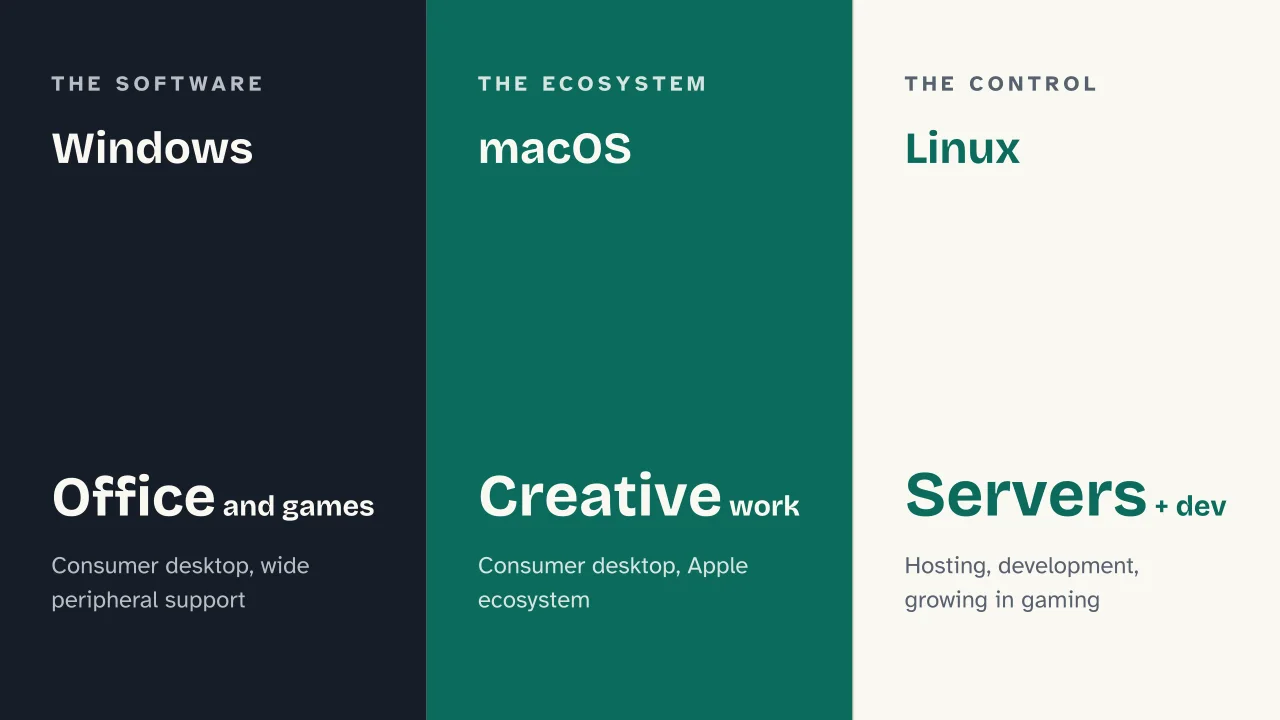 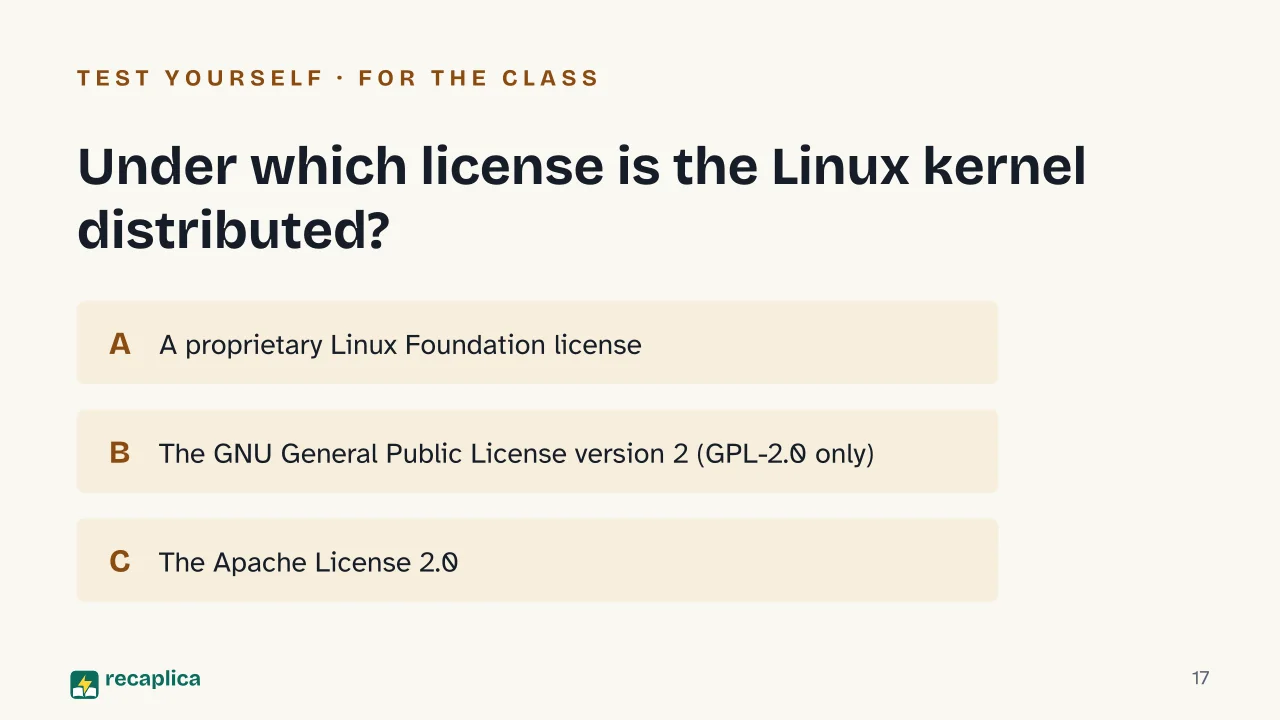  Common myths
Mind mapDrag the background to move around and the nodes to reposition them; use − and + to collapse and expand branches. 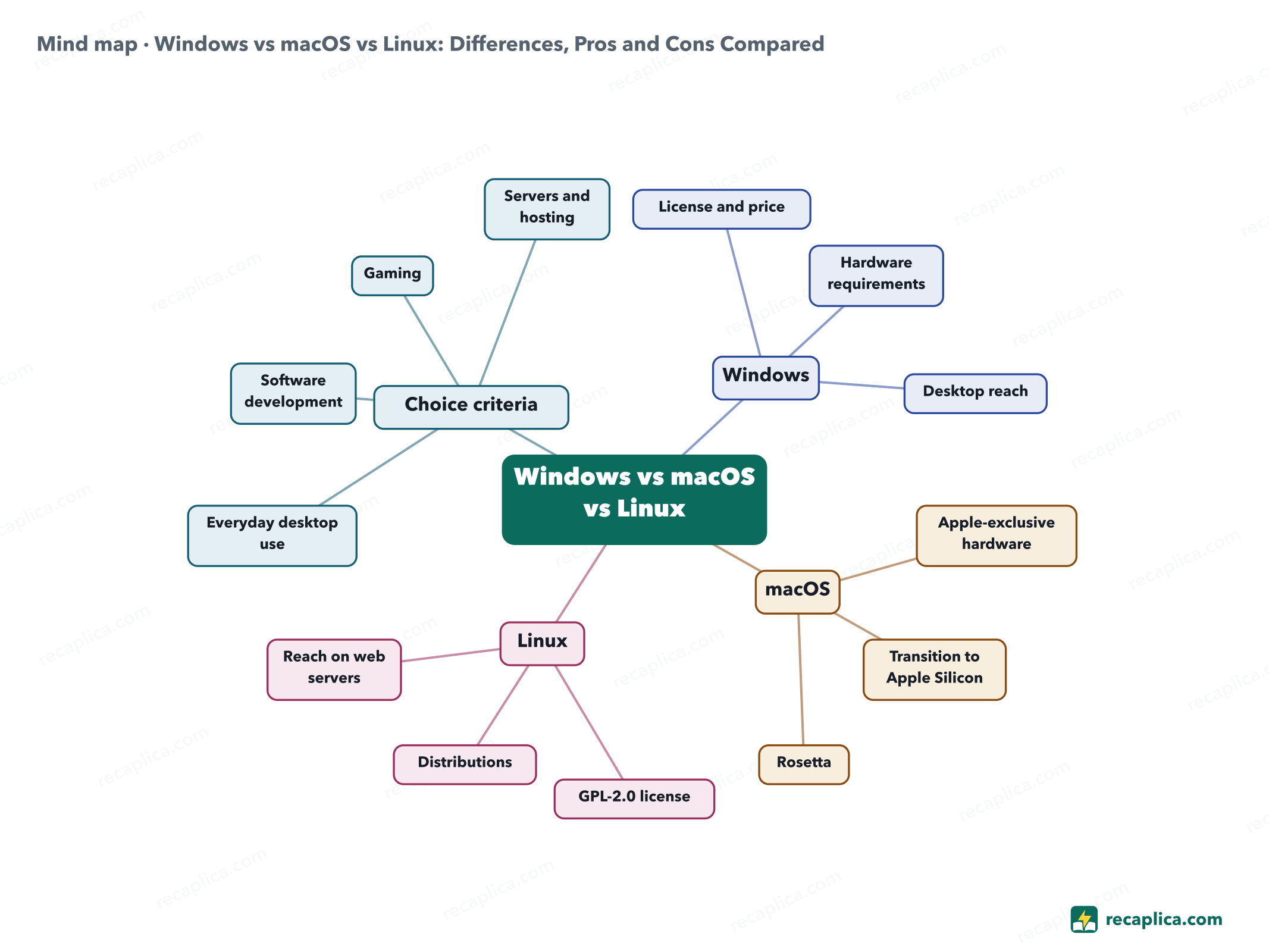
Quiz: test yourselfAnswer the questions to check what you have learned: you get instant feedback and a short explanation. Grade 0/10 0/5
FlashcardsTap the card to flip it and check whether you remember the answer, then move to the next one. 1 / 8 Explain it in your own wordsThe ultimate test: if you can explain it in simple words, you've truly understood it. Write your explanation, then compare it with the Recap. Your explanation is saved only on this device.
Frequently asked questionsWhich is the most secure operating system among Windows, macOS and Linux?There's no single answer that holds in every case. Windows 11 requires UEFI firmware with Secure Boot and a TPM 2.0 chip, designed to raise the baseline level of security; macOS runs on a much more uniform pool of hardware, entirely controlled by Apple; Linux, being open source under the GPL license, lets anyone study the code and fix flaws. Each of these traits tends to be seen as a security advantage, but none of them makes a system immune to malware, phishing or user error. Is Windows or macOS better for work?It depends on the type of work and the budget. macOS is tied to buying a Mac, with the hardware price already including the operating system license; Windows runs on a much wider range of computers from different brands, often at lower prices, but the license is a separate cost when it isn't already included by the manufacturer ($139 for the Home edition, $199.99 for Pro at Microsoft Store list price). People working with professional software tied to a specific ecosystem tend to choose accordingly. Can Linux be installed on a Mac or on a Windows PC?On a standard x86-64-compatible PC, yes: Linux can be installed in place of Windows or alongside it (dual boot). On a Mac the situation is different: macOS is designed to run only on Apple hardware, and Apple itself doesn't distribute macOS for installation on PCs from other manufacturers — Linux's compatibility with recent Apple Silicon Macs depends on the support individual distributions manage to offer for that architecture. Why do web servers mostly run Linux instead of Windows?According to the W3Techs measurement from September 6, 2026, Linux runs 62.2% of websites with an identifiable operating system, and the combined Unix and Unix-like family covers over 90% of recognizable web servers, against roughly 8% for Windows Server. It's a completely different use case from desktop computing, where Windows dominates: on servers, factors like license cost (Linux is free to use and redistribute) and the ability to customize every component of the system matter most. What does it actually cost to use Windows, macOS or Linux?Windows charges a license separate from the hardware whenever it isn't already preinstalled by the PC manufacturer ($139 for the Home edition, $199.99 for Pro at Microsoft Store list price, data checked on September 6, 2026). macOS has no standalone license price: it's included in the purchase of a Mac. Linux, like Ubuntu, is free to download, use and redistribute; you only pay if you choose extended enterprise-grade support, such as an Ubuntu Pro subscription. Every Recap goes through an independent review before publication. |