|
recaplica
Offline Maps: Getting Around and Translating Without a Connection | ||||||||||||||||
| © 2026 Recaplica · recaplica.com — All rights reserved | ||||||||||||||||
Offline Maps: Getting Around and Translating Without a ConnectionWhat to print Page numbers appear when printing with default margins. SlidesChoose a cut Flash10 slidesThe essential thread, to present in classFull14 slidesEvery chapter and the deeper detailBoth come with speaker notes. In 30 seconds quick readAn offline map is a chunk of the map your phone stores locally before you leave, so navigation keeps working even without mobile data or Wi-Fi. Google Maps, the app most people search for, lets you download an area and drive it, but with sharp limits worth knowing before you rely on it mid-trip. Apple Maps and alternatives such as Organic Maps handle offline coverage differently, while Waze is the outlier: it has no real offline mode. Translation works the same way in advance, through Google Translate's downloadable language packs. Key Points
Key figures
Deep DiveAn offline map is, in practice, a piece of the map your phone keeps stored instead of pulling it from the internet piece by piece as you move. The upside is obvious to anyone who’s tried finding their way around a foreign country with no data roaming: the navigation app keeps showing streets and directions even in a dead zone, as long as the area was downloaded beforehand. How the offline download actually worksThe mechanism is similar across apps, though the details differ. Google Maps Help walks through it: search for a place, open its place card, tap “More,” then “Download offline map.” A connection needs to be active at that moment, and you need to be signed in, because the download itself happens while you’re still online. Once downloaded, the map doesn’t stay valid indefinitely. Google Maps lets it expire after 15 days: if the phone connects to Wi-Fi before then, the system tries to update the area on its own; otherwise it has to be re-downloaded by hand before the next trip. It’s an easy detail to forget when packing for a trip, so it’s worth a check before leaving. Downloaded maps land in the phone’s internal storage by default. On Android 6.0 and later, they can be moved to an SD card, but only if that card is set up as “portable storage” rather than as an extension of internal memory. Not every part of the world can be downloaded: Google Maps flags limits in some countries or regions over contracts, language support or address formats, without publishing a list of where. Google Maps offline: what works and what doesn’tGoogle Maps is the app people search for most, and it’s also the one worth being precise about, because its offline limits are tighter than most people expect. Turn-by-turn driving directions do work, but only if the entire route sits inside the downloaded area: stray even slightly outside those borders mid-trip, and the app can no longer guide you the rest of the way. What’s missing offline turns out to be broader than it first looks. Without a connection, there are no directions for transit, cycling or walking; driving still works, but without live traffic information or alternate routes if there’s a jam or an accident ahead. Driving with Google Maps offline means working from the basic turn-by-turn directions only.
The apps with native offline coverageNot every app treats offline the same way, and the differences matter when deciding what to download before a trip.
Apple Support lists public transit schedules and directions among what Apple Maps keeps offline, on top of driving, cycling and walking — a point where it beats Google Maps offline. Before a download, the app shows the file size and lets you resize the chosen area. Maps update automatically, and any left unused for a while get deleted on their own after a period Apple doesn’t specify. One practical limit involves the Apple Watch: maps downloaded for offline use on the iPhone only stay usable from a paired watch within roughly 10 meters over Bluetooth. Organic Maps, born as an open-source fork of Maps.me after that app changed ownership in 2022, builds on OpenStreetMap, the collaborative mapping project fed by community contributions. The project’s own site claims 100% of its features work offline, including cycling and hiking tracks, elevation contours and altitude profiles — a detail useful for hikers in mountain areas with no signal. Organic Maps and Maps.me remain linked in the same lineage, which is why searches for both names still coexist. Need a technical fix mid-trip, like figuring out why a map won’t update or a language pack won’t start downloading? How the internet works: the journey of data from cable to page helps tell a connection problem apart from an app limit. Waze: the offline mythWaze is among the most downloaded navigation apps, yet it has no offline map feature comparable to Google Maps or Apple Maps. The reason sits in how it operates: Waze leans on live data, such as traffic and incident reports from other drivers, to calculate its routes. Cut the connection, and that data pool disappears, taking much of the app’s usefulness with it. There’s a narrow, almost accidental exception: if a route was set while connected, it stays visible in the app’s cache even if the connection drops mid-drive. But the limit is hard — traffic updates and alternate routes stop coming, and once the app closes, the cached route is gone until the connection returns. In a dead zone, Waze alone isn’t enough to find the way. Offline translation: language packsFinding your way is only half the job if you can’t talk to the people you meet, and translation gets prepared the same way, by downloading language packs ahead of time. In Google Translate, the process is simple: open the app, pick the language from the available list, and tap the download button next to its name; on iPhone the path runs through Settings, then Offline Translation. Not every language can be downloaded: if a language in the list has no download button next to it, that language simply isn’t available offline. Once a pack is saved, two functions keep working: translating typed text, and translating through the camera, pointing it at a sign or a menu on the spot. Google Translate Help describes the packs as small files, downloadable even over mobile data, while flagging the possible data cost with your carrier.
One last practical note, on battery: downloading maps and language packs beforehand costs data and time, but using them offline afterward is easier on the phone than continuous connected GPS navigation, since there’s no steady background data traffic. To make it to the end of a travel day with charge to spare, see Smartphone Battery Life: How to Make It Last Longer; and for anyone carrying a power bank as backup, the rules change if a flight is involved — covered in Power bank on a plane: the rules for carrying and using it safely. Slide deckSlides ready to download and make your own in PowerPoint or Google Slides, with speaker notes. Pick the Flash cut or the Full one.     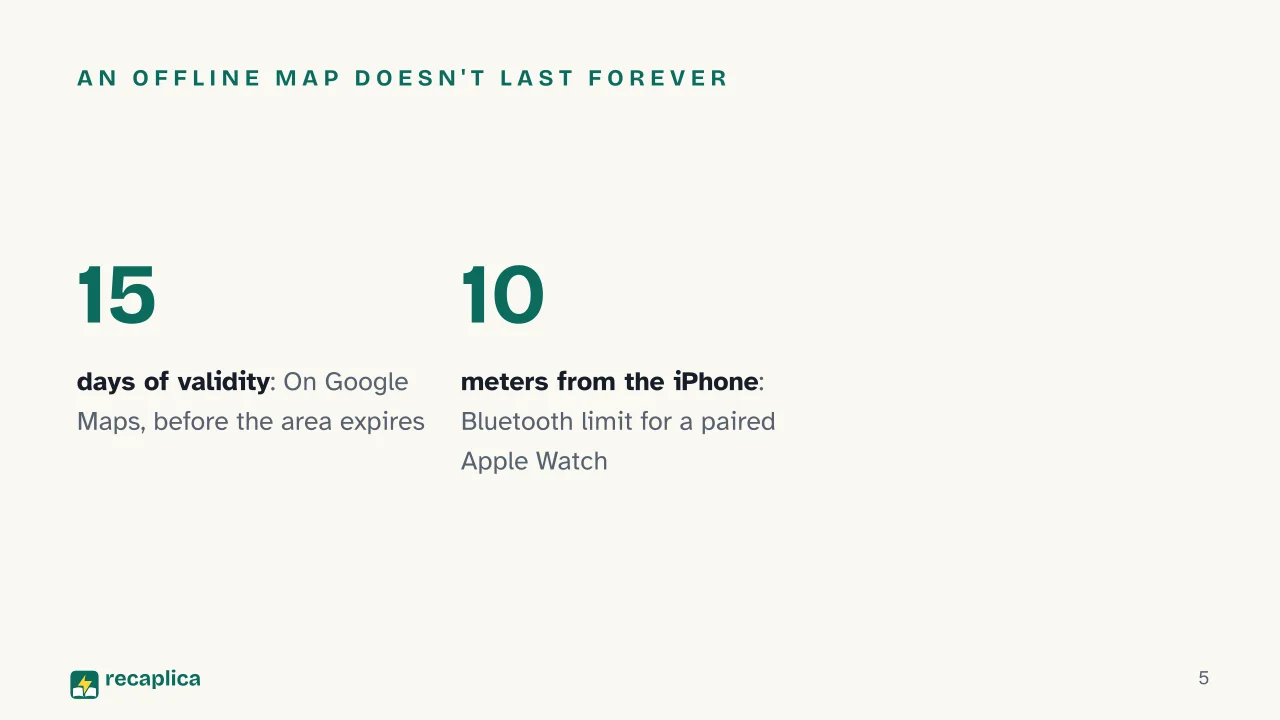  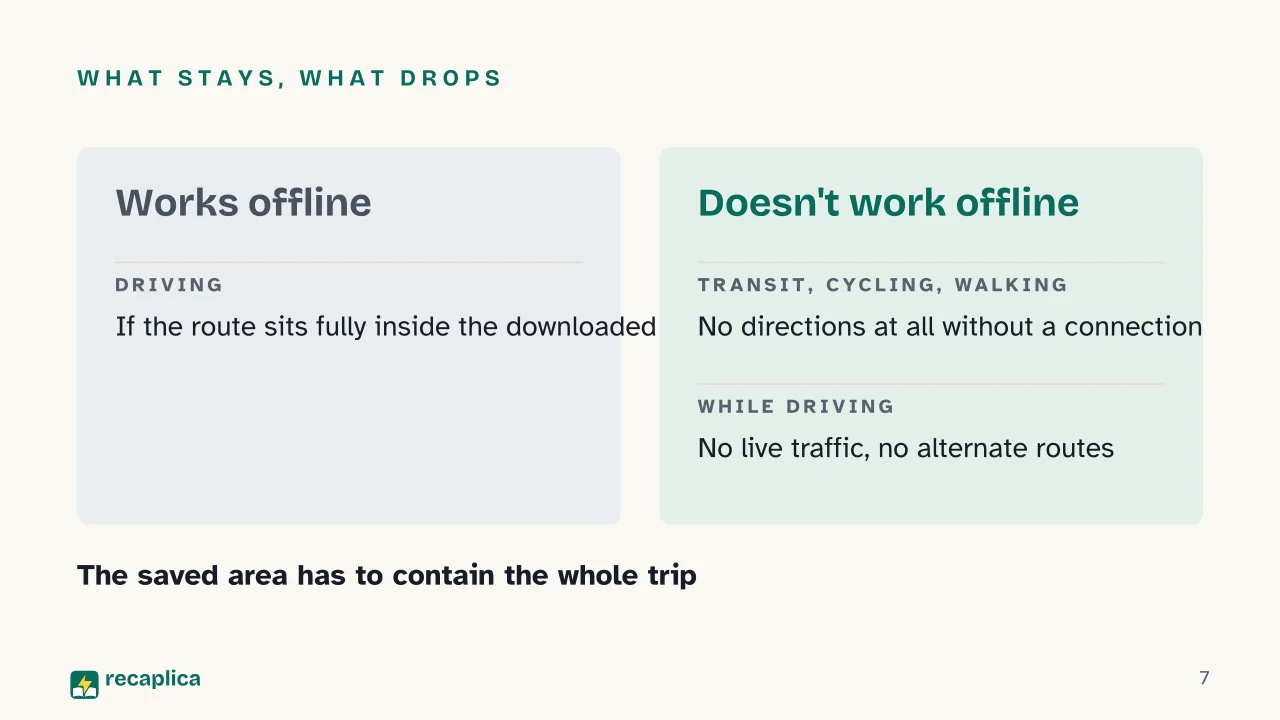  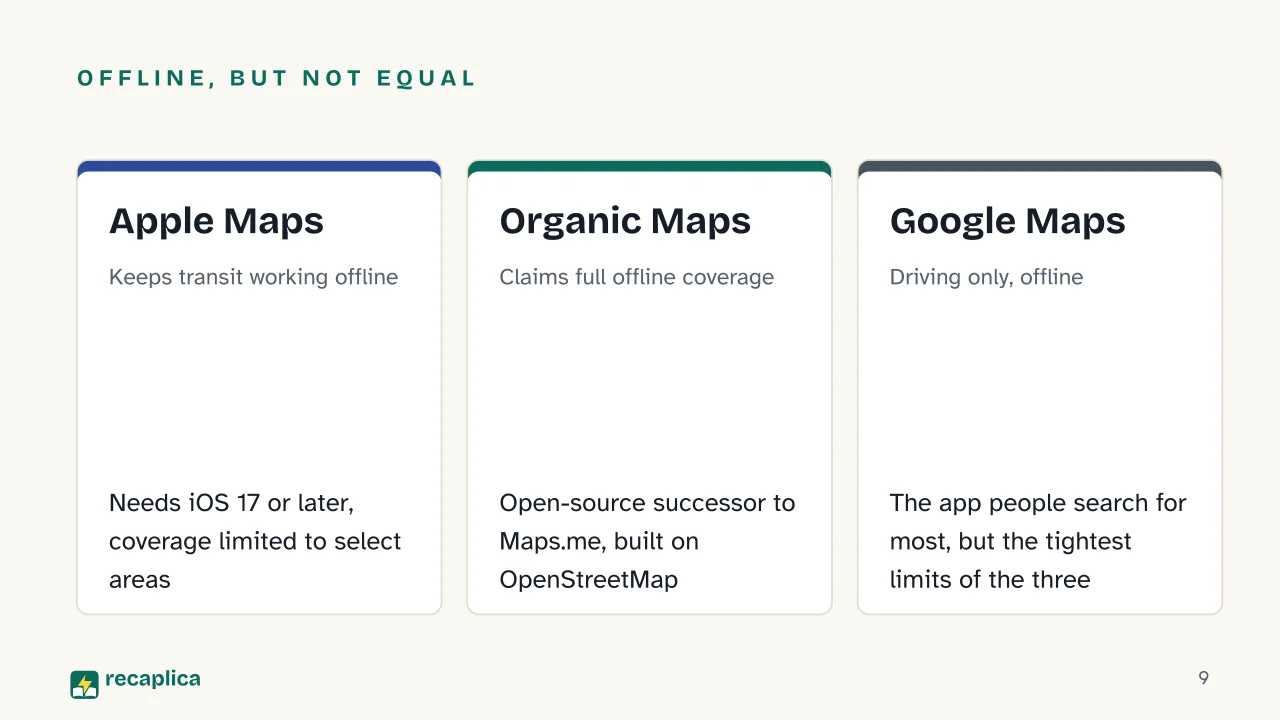 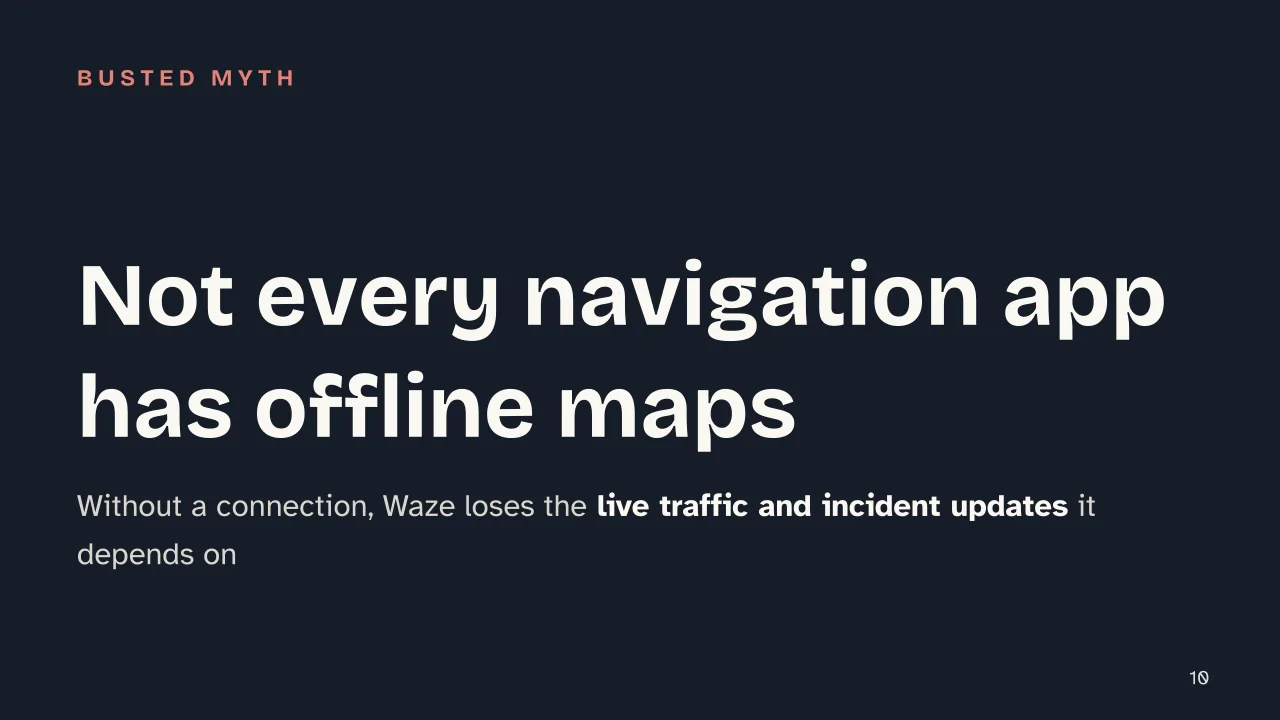  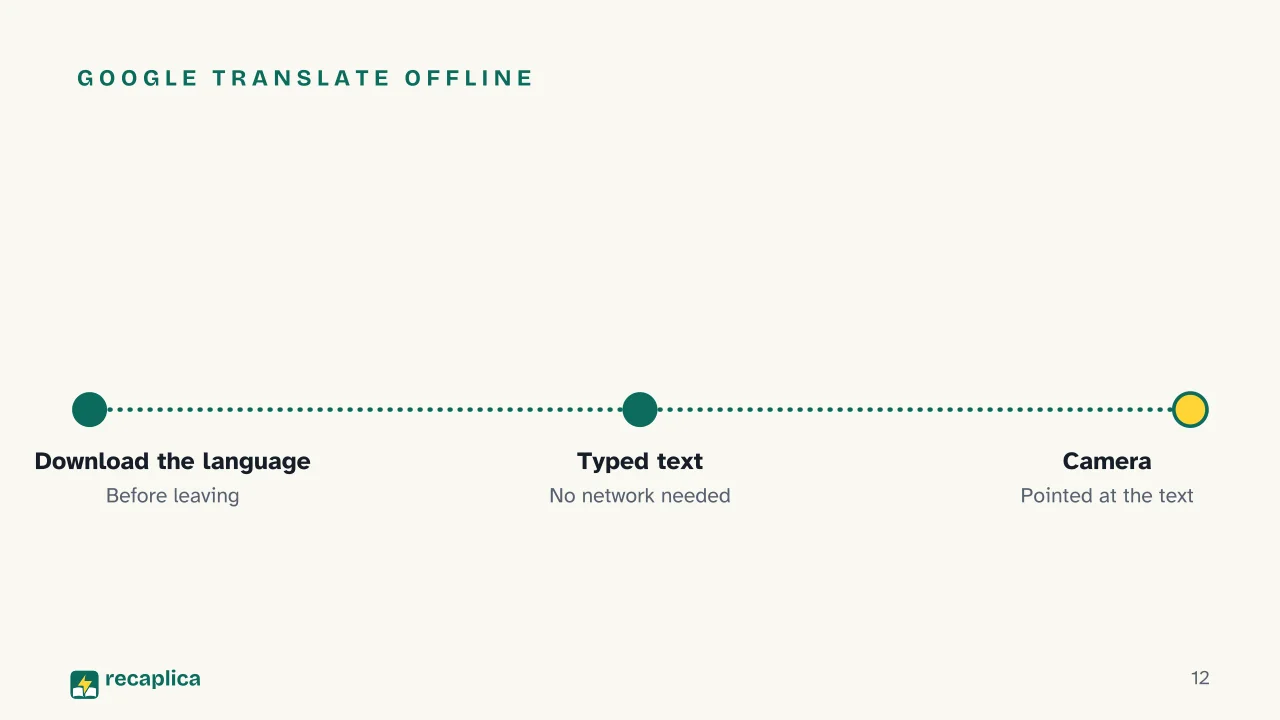 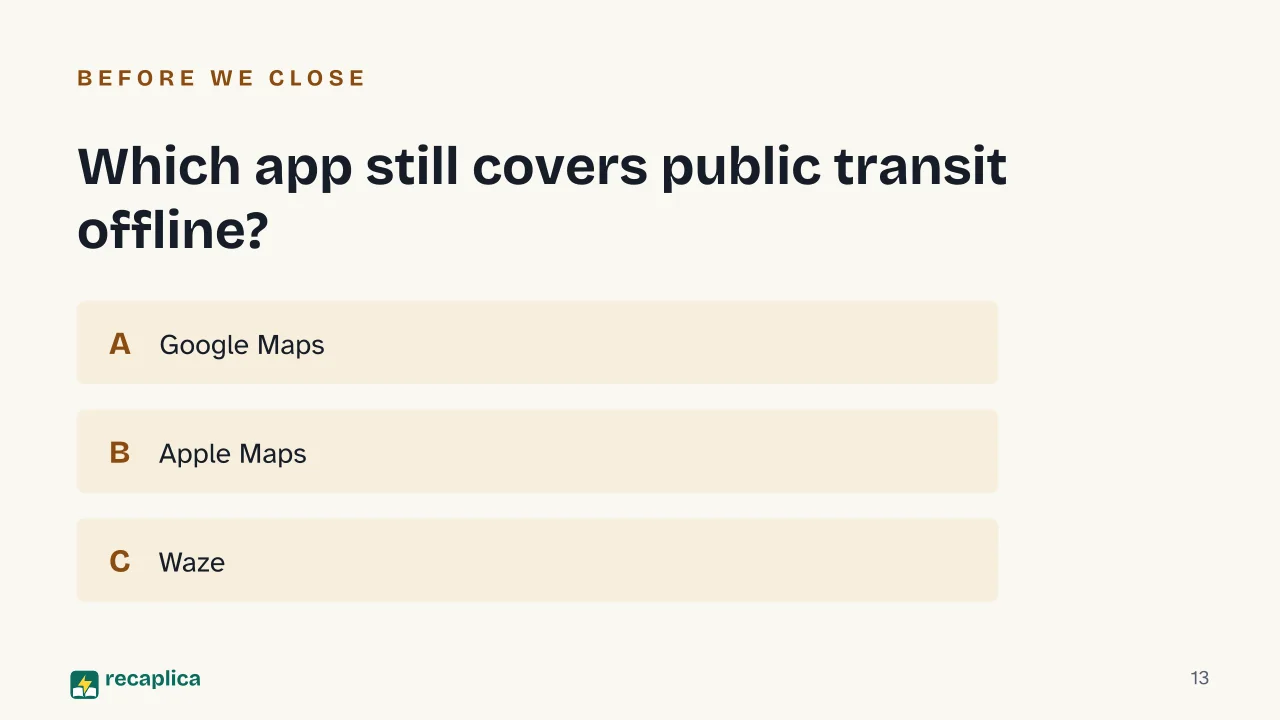  Common myths
Mind mapDrag the background to move around and the nodes to reposition them; use − and + to collapse and expand branches. 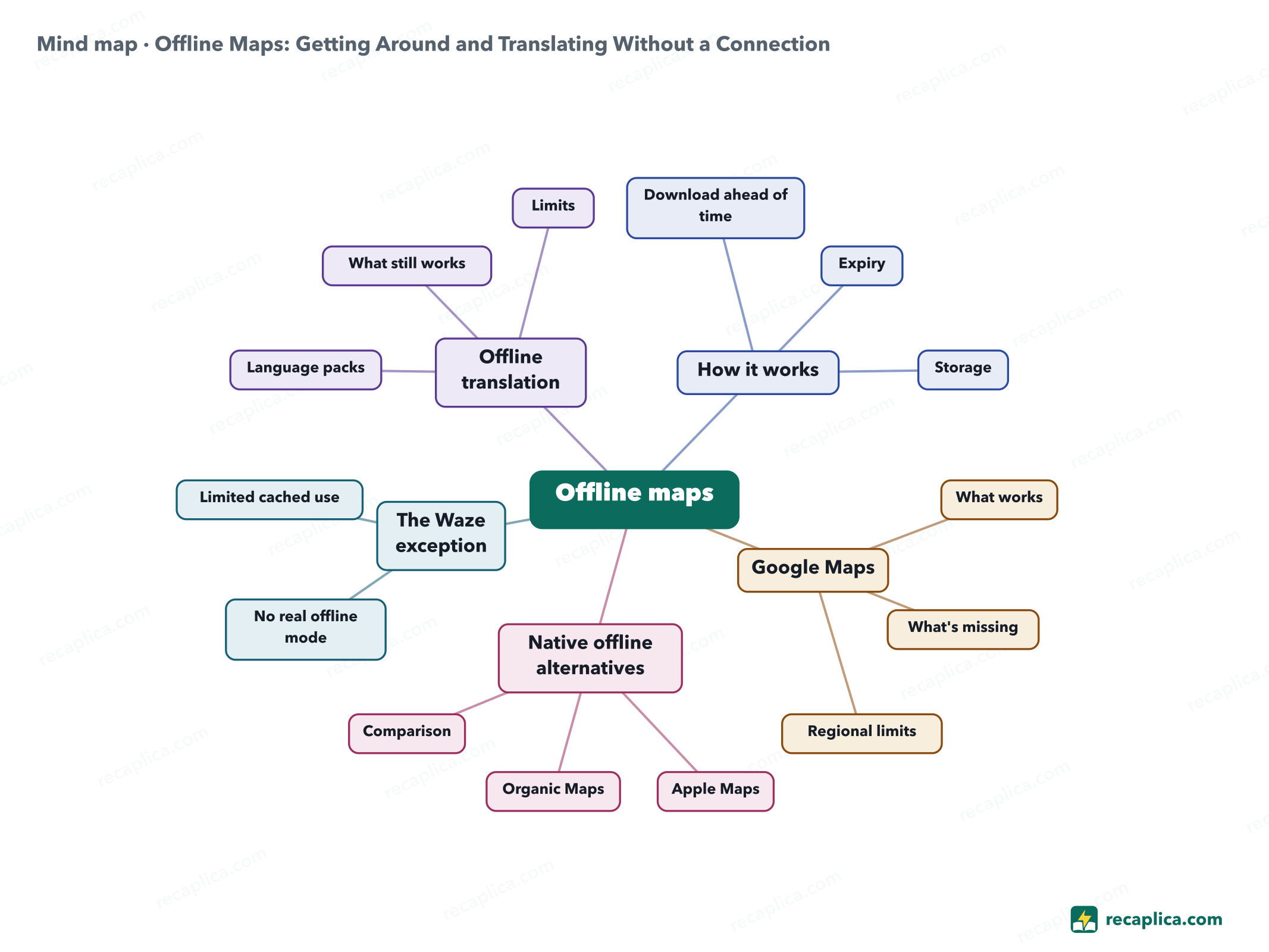
Quiz: test yourselfAnswer the questions to check what you have learned: you get instant feedback and a short explanation. Grade 0/10 0/5
FlashcardsTap the card to flip it and check whether you remember the answer, then move to the next one. 1 / 7 Explain it in your own wordsThe ultimate test: if you can explain it in simple words, you've truly understood it. Write your explanation, then compare it with the Recap. Your explanation is saved only on this device.
Frequently asked questionsHow do you download an offline map in Google Maps?Search for the place or area in the app, open its place card, tap "More" and then "Download offline map." You need an active connection and to be signed in to Google Maps to start the download; once saved, the area stays valid for 15 days. Does Google Translate work without internet?Yes, once you've downloaded the language pack you need from the app: typed-text translation and camera translation both keep working. Not every language can be downloaded — if a language in the list has no download button next to it, it isn't available offline. What are the alternatives to Google Maps with offline coverage?Apple Maps, on an iPhone with iOS 17 or later, also covers public transit offline. Organic Maps, the open-source successor to Maps.me built on OpenStreetMap, claims 100% of its features work without a network, including hiking trails and elevation contours. Regional availability varies for both. Why doesn't Waze work well without a connection?Waze's core function depends on live data — traffic and reports from other drivers — and it has no offline map download comparable to the other apps. Without a connection, at most the route already set stays visible, until the app is closed. Do offline maps take up a lot of space on the phone?It depends on the area you pick: both Google Maps and Apple Maps show the file size before you finish downloading, so you can shrink the area if needed. On Android, maps can be moved to an SD card, but only if it's set up as portable storage. Every Recap goes through an independent review before publication. |